In the realm of electronics, breadboards serve as the fundamental playground for prototyping and circuit design, bridging the gap between theoretical concepts and physical applications. This article delves into the world of digital breadboard makers, analyzing a range of online simulators and tools available for both novice and experienced makers, akin to crafting the perfect ingredients for a recipe – we'll explore what each tool offers so you can choose what best suits your project. Through this exploration, we aim to demystify circuit design, emphasizing how modern tools from [breadboard maker] can accelerate innovation and transform your ideas into tangible electronics.
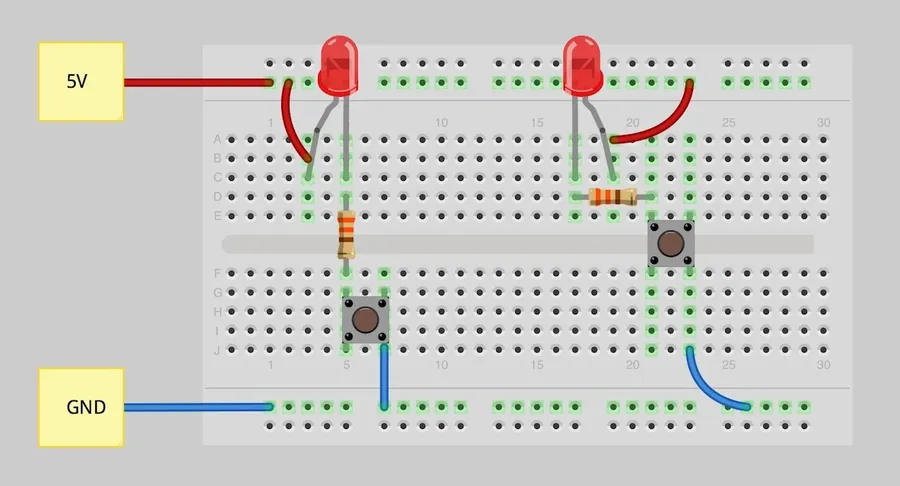
Breadboard makers, encompassing both software and online simulators, serve as essential tools for electronic prototyping by providing a virtual environment to design and test circuits before physical implementation. This eliminates the risks associated with physical component damage and minimizes the time spent on repetitive manual rewiring, significantly enhancing project efficiency and safety.
A breadboard maker's fundamental function is to replicate the functionality of a physical breadboard, allowing users to simulate circuit connections and test their designs. This capability is crucial for both educational purposes and professional engineering, facilitating an iterative design process where mistakes are easily rectified without the wastage of physical components.
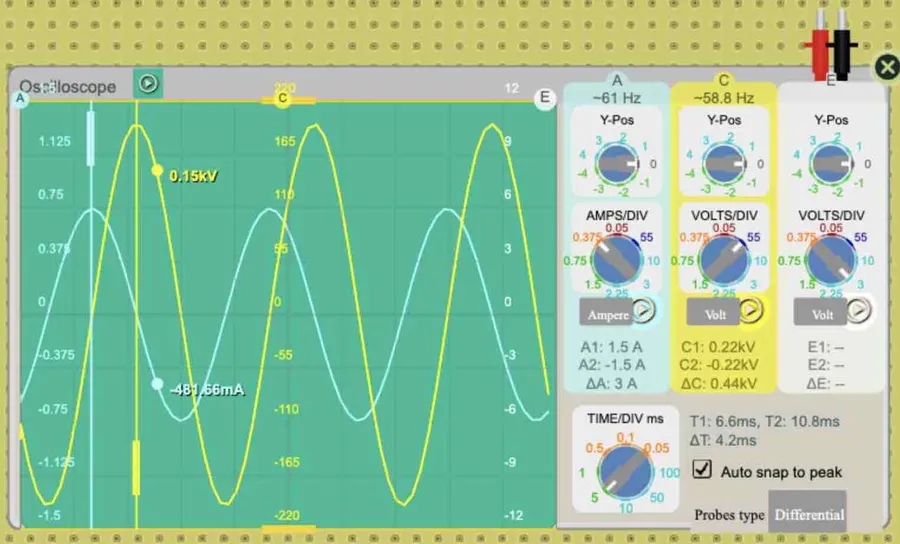
Online breadboard simulators are essential tools for electronics enthusiasts, students, and engineers, providing a virtual environment to design, test, and simulate circuits without the need for physical components. This section offers a comparative analysis of leading online breadboard simulators, highlighting their unique features and suitability for various users.
| Simulator | User Interface | Component Library | Simulation Accuracy | Ease of Use | Suitable For |
|---|---|---|---|---|---|
| Tinkercad Circuits | Intuitive drag-and-drop interface | Extensive, covering basic components and some microcontrollers | Good for basic circuits, less accurate for complex analog designs | Beginner-friendly, suitable for educational purposes | Beginners, Educators |
| CircuitLab | Professional-grade with schematic capture and simulation | Comprehensive library of components, including advanced ICs | High accuracy, supports complex analog and digital simulations | Moderate learning curve, suitable for intermediate to advanced users | Students, Engineers, Advanced Hobbyists |
| breadboard.electronics-course.com | Simple and clean interface, focused on basic breadboard simulation | Basic set of common components, designed for simple simulations | Adequate for basic circuit design, may lack in complex scenarios | Very easy to use, ideal for beginners learning fundamental concepts | Beginners, Educators |
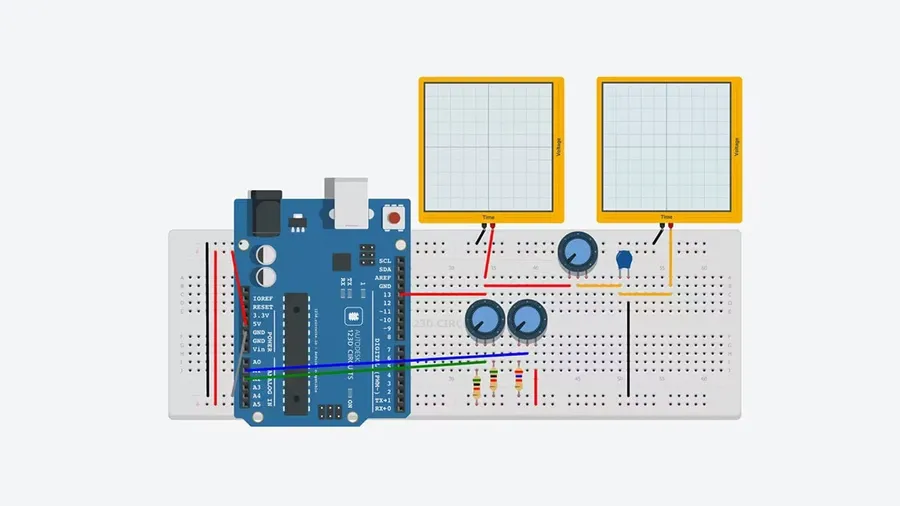
For advanced users who require offline access and more sophisticated features, several software options exist for breadboard design. These tools often provide deeper component modeling, system analysis capabilities, and a robust offline experience, catering to complex projects where precise control is necessary. This section explores popular choices like Fritzing and LTSpice, highlighting their unique strengths.
| Feature | Fritzing | LTSpice |
|---|---|---|
| Primary Use | Visual breadboard design and documentation | Circuit simulation and analysis |
| Component Modeling | Good for standard electronic components, some custom parts | Excellent for detailed component modeling, especially semiconductors |
| System Analysis | Limited simulation capabilities | Powerful simulation engine, supports transient, AC, DC analysis |
| User Interface | Intuitive visual interface, suitable for beginners | Steeper learning curve, technical interface focused on analysis |
| Offline Access | Full offline functionality | Full offline functionality |
| Target User | Hobbyists, educators, and visual learners | Engineers and advanced users focused on simulation |
Fritzing is known for its user-friendly interface and strong visual approach to breadboard design, making it an ideal choice for beginners and educators. It allows users to create breadboard layouts and generate schematics simultaneously. This tool is particularly useful for designing and documenting simple to moderately complex circuits, with a focus on visual clarity and physical representation. While it does offer some basic simulation features, its strength lies in its ability to assist with creating visual project documentation and PCB layout design.
LTSpice, on the other hand, is a powerful circuit simulation tool developed by Analog Devices. It's designed for detailed circuit analysis and offers exceptional capabilities in simulating complex analog and digital circuits. LTSpice excels in component modeling, enabling users to accurately represent real-world components, especially semiconductors. Its robust simulation engine supports transient, AC, and DC analyses, making it suitable for professionals and advanced users who need precise circuit behavior predictions. Although the interface may be more challenging for beginners, LTSpice is a gold standard for circuit simulation and analysis. It is an indispensable tool for those seeking to deeply understand and validate their designs before implementing them.
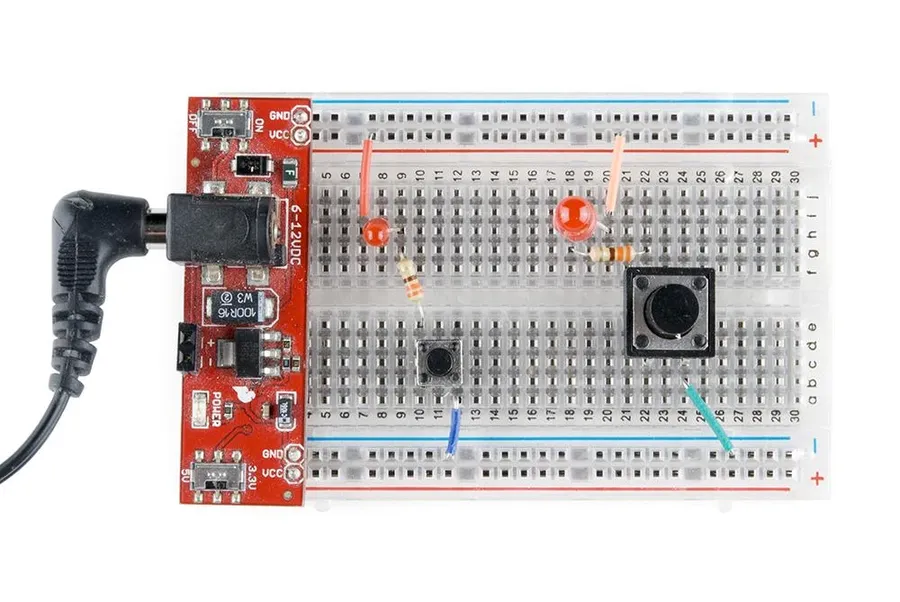
Selecting the appropriate breadboard maker involves considering several key features that directly impact the efficiency and effectiveness of your electronic design process. A robust tool should not only facilitate the basics of circuit design but also support advanced simulation and analysis. The optimal choice hinges on the user's proficiency, project scope, and desired functionalities.
| Feature | Description | Importance |
|---|---|---|
| Component Library Size | The range and variety of available virtual components. | Essential for handling diverse projects, from basic to complex circuits. |
| Ease of Wiring and Connection | The intuitiveness of connecting components via drag-and-drop or similar tools. | Crucial for smooth and speedy workflow, minimizing user frustration. |
| Simulation Modes | The availability of different simulation types (e.g., DC, AC, Transient). | Vital for testing different circuit behaviors under varied conditions. |
| Support for Electronic Components | The range of components supported (e.g., resistors, capacitors, ICs). | Required for compatibility with different types of projects and circuit designs. |
| Support for Circuit Complexities | The tool’s capacity to handle both simple and intricate circuit designs. | Necessary for users that handle advanced projects. |
| Helpful Tutorials or Guidance | Access to educational materials and practical guidance. | Benefits beginners by providing clear learning and effective use of the tool. |
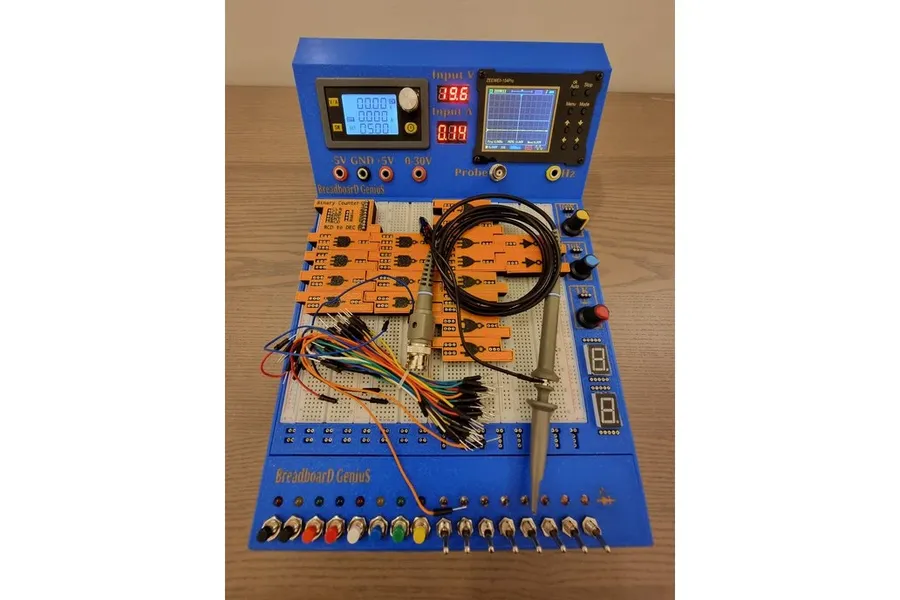
Breadboard maker software and online simulators are revolutionizing STEM education by providing virtual labs where students can safely and effectively learn circuit design principles. These tools offer an interactive and visually engaging platform that significantly enhances the learning experience, making the often complex concepts of electronics more accessible and understandable.
The core educational benefits of using breadboard makers include:
Moreover, breadboard simulators are designed to cater to varying skill levels, making them suitable for both introductory and advanced courses. The intuitive interfaces and guided tutorials provided by many platforms further enhance usability and promote independent learning among students. This combination of safety, accessibility, and interactive features makes breadboard makers a valuable tool for modern STEM education.
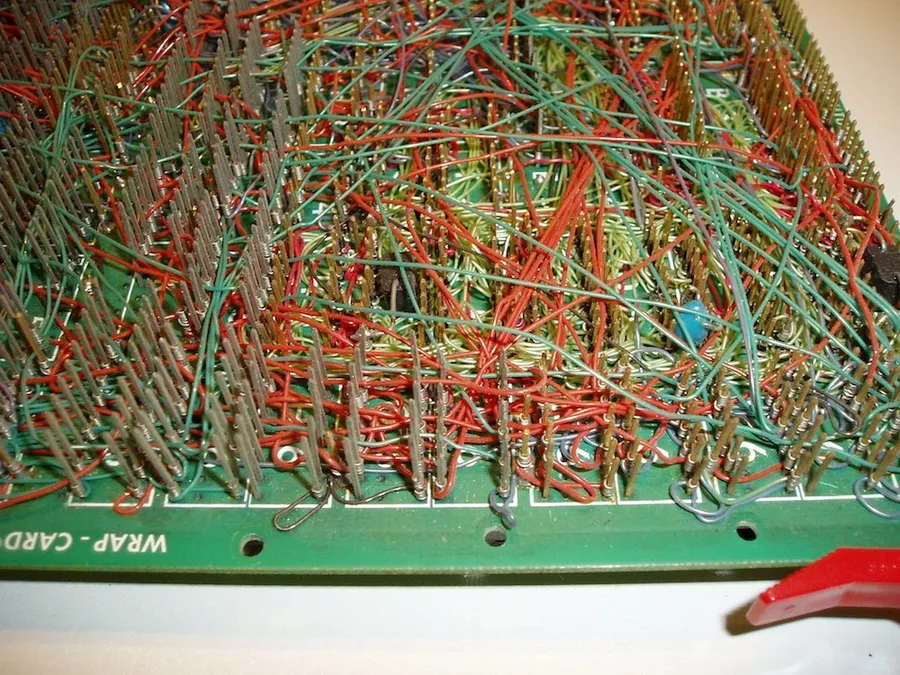
Breadboard maker software transcends basic circuit simulation, offering robust capabilities for handling advanced circuits. These tools are crucial for simulating intricate analog and digital systems, supporting integrated circuits, and enabling the effective debugging of complex configurations. The ability to accurately model these complex interactions is essential for moving from simple concepts to intricate real-world applications.
A critical aspect of advanced breadboard simulation is the capability to handle a wide range of electronic components and systems. Here’s a look at key areas:
The performance of breadboard maker software is judged by its ability to accurately simulate complex scenarios. For instance, the simulation of a multi-stage operational amplifier circuit should precisely mirror real-world behavior, showing the correct gain, bandwidth, and phase response. Similarly, digital system simulations need to accurately model propagation delays, race conditions, and other timing related issues to prevent hardware failures.
Selecting the correct tool for advanced projects requires careful evaluation of several factors. These include the precision of component models, the capacity of the simulation engine, and the availability of necessary tools for debugging advanced system.
This section addresses common questions regarding breadboard makers, helping users differentiate between online simulators and offline tools, identify the best options for various skill levels, maximize the use of virtual breadboarding in real projects, and resolve common simulation issues.
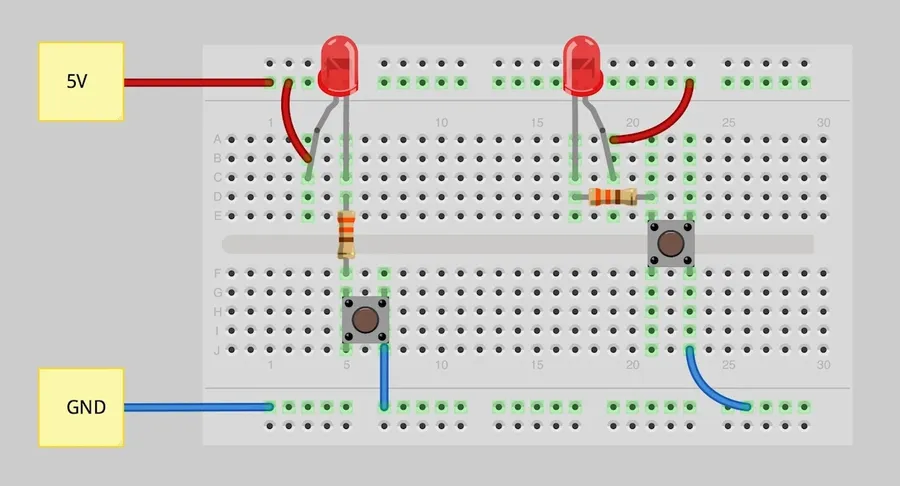
Effective use of breadboard maker tools, whether online simulators or offline software, hinges on employing methodical design practices. This section provides actionable strategies to streamline your virtual circuit designs, manage complexity, and bridge the gap between simulation and physical implementation.
As the cornerstone of electronic experimentation, breadboards, whether physical or virtual, are essential tools for anyone involved in circuit design and prototyping. Choosing the right [breadboard maker] can significantly enhance the learning process, accelerate project development, and improve the accuracy of your designs. By understanding the unique features and capabilities of various simulators and tools, you can make informed choices that cater to your specific project needs, from simple LED circuits to complex robotics systems. The ability to test and refine designs virtually minimizes risks and allows for quicker and more cost effective prototyping, ultimately driving innovation and making electronics accessible to all.

