The ubiquitous PCB motherboard, the unsung hero within our computers, serves as the central nervous system of modern technology. But what exactly is it, and how does it differ from other printed circuit boards? This article will dissect the essence of the PCB motherboard, its pivotal role in your device, and guide you through its intricate workings.
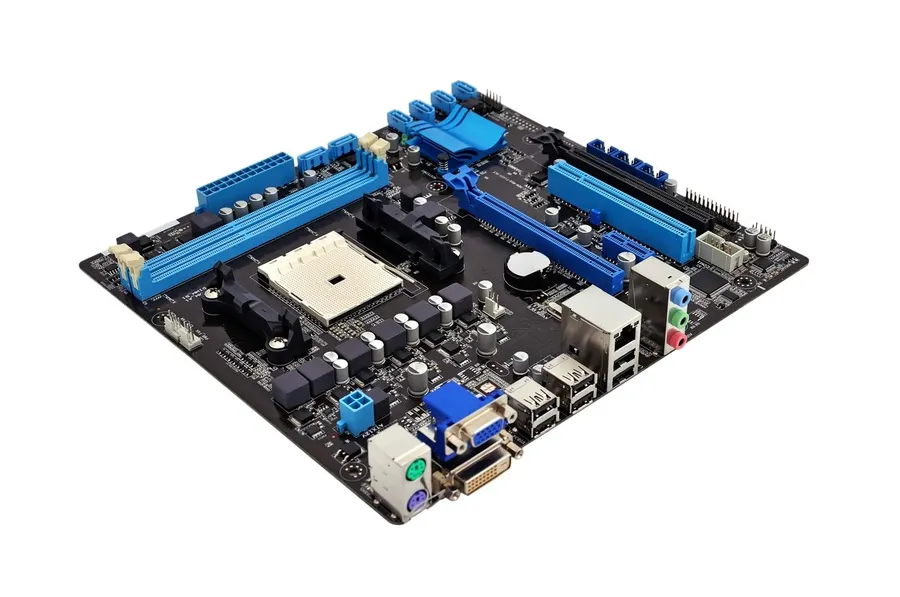
A PCB motherboard is the foundational circuit board within a computer system, serving as the central hub that integrates and facilitates communication between all essential components. While a motherboard is indeed a Printed Circuit Board (PCB), it is a specialized form designed for the specific purpose of hosting and interconnecting components like the CPU, RAM, and expansion cards, thereby orchestrating the overall functionality of a computer. It's more than a mere electrical platform; it's the structural and logical backbone of the entire system.
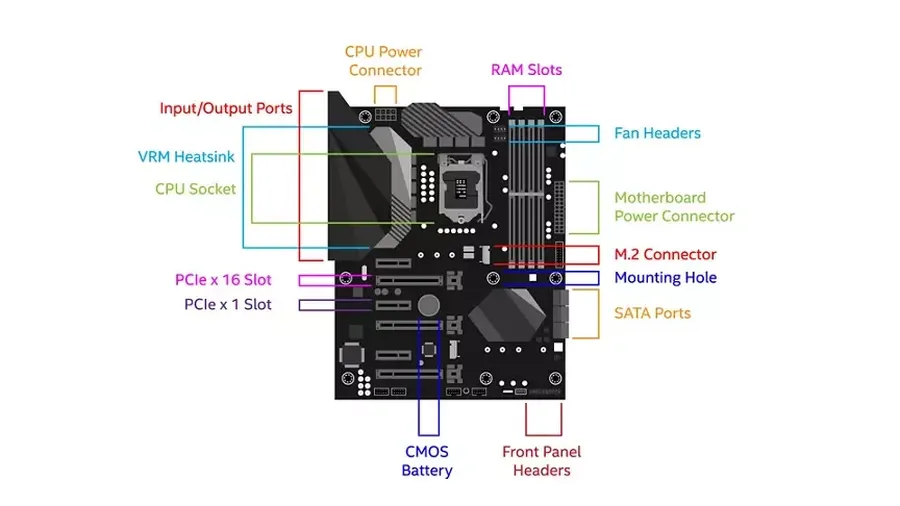
A PCB motherboard, the central nervous system of a computer, houses several key components, each with a specific function that is crucial for the system's overall operation. These components facilitate communication, processing, and data storage, acting as the fundamental building blocks of the entire computer.
| Component | Function | Importance |
|---|---|---|
| CPU Socket | Provides a physical interface and connection for the Central Processing Unit (CPU). | The CPU socket is critical for CPU installation and ensuring proper electrical and mechanical contact. Without it, the CPU cannot function. |
| RAM Slots | Designated slots for installing Random Access Memory (RAM) modules. | RAM slots facilitate temporary data storage, allowing the computer to run applications efficiently. The quantity and speed of RAM are directly dependent on available slots. |
| Expansion Slots (PCIe) | Connectors for adding expansion cards like GPUs, sound cards, or network interfaces. | Expansion slots provide flexibility, enabling users to extend their system's functionality as required. PCIe slots are crucial for high-bandwidth devices such as modern graphics cards. |
| Chipset | Manages communication between the CPU, RAM, and other peripherals. | The chipset is an essential mediator, handling data flow within the system. Its capabilities greatly influence performance and supported features. |
| I/O Ports | External interfaces for connecting peripherals like USB, HDMI, and audio devices. | I/O ports allow for essential connectivity to interact with the user and external devices, covering both basic and advanced input/output needs. |
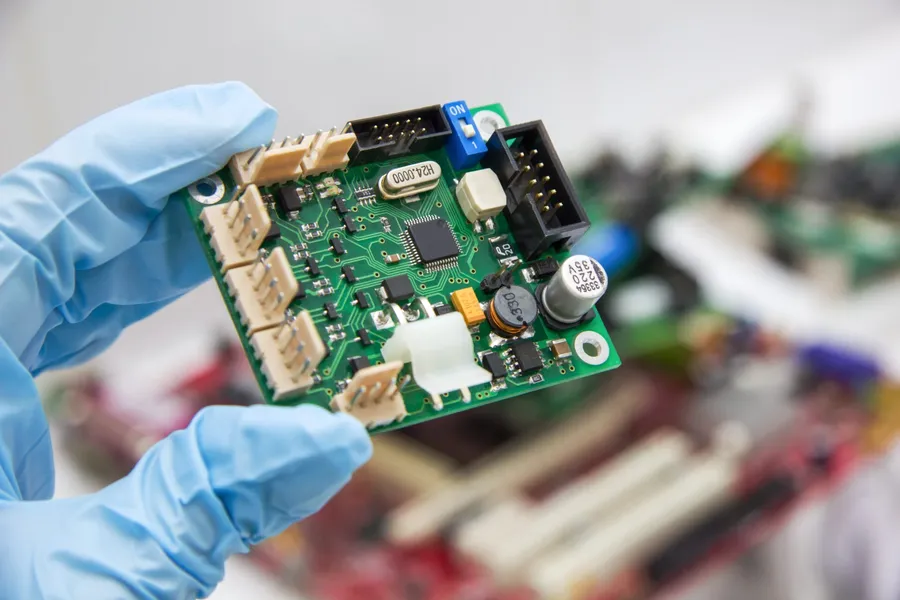
While the terms PCB (Printed Circuit Board) and motherboard are often used interchangeably, especially in the context of computers, they are not synonymous. A motherboard is indeed a type of PCB, but it's a highly specialized one, designed for a specific and complex purpose: to act as the central hub of a computer system, facilitating communication and power delivery among all its components. Understanding the differences between a generic PCB and a motherboard is critical for grasping the intricacies of computer hardware.
| Feature | Generic PCB | Motherboard |
|---|---|---|
| Purpose | Supports basic electronic circuits; diverse applications. | Central hub for computer components; specific design. |
| Complexity | Relatively simple, often single-layer or dual-layer. | Highly complex, multi-layered with specific routing and design considerations. |
| Components | Supports various discrete components as required by the circuit. | Includes CPU socket, RAM slots, expansion slots (PCIe), chipset, I/O ports, and other essential computer interfaces. |
| Scalability | May be scalable depending on application, but not inherently designed for modular expansion. | Designed for modular scalability, allowing for component upgrades and expansion. |
| Functionality | General circuit functions. | Supports processing, memory, storage, peripheral device connectivity and overall system operation |
| Standardization | Designs often vary significantly based on need. | Designed to adhere to established form factors and standards to ensure compatibility. |
| Application | Wide range of applications from simple electronic gadgets to industrial control systems | Exclusively used in computer systems. |
In essence, a generic PCB serves as a platform for a variety of electronic circuits, while a motherboard is an exceptionally engineered PCB tailored to function as the backbone of a computer. The motherboard integrates various sub-systems and components into a cohesive functional unit and adheres to strict industry standards which ensures compatibility, ease of expansion and upgrades.
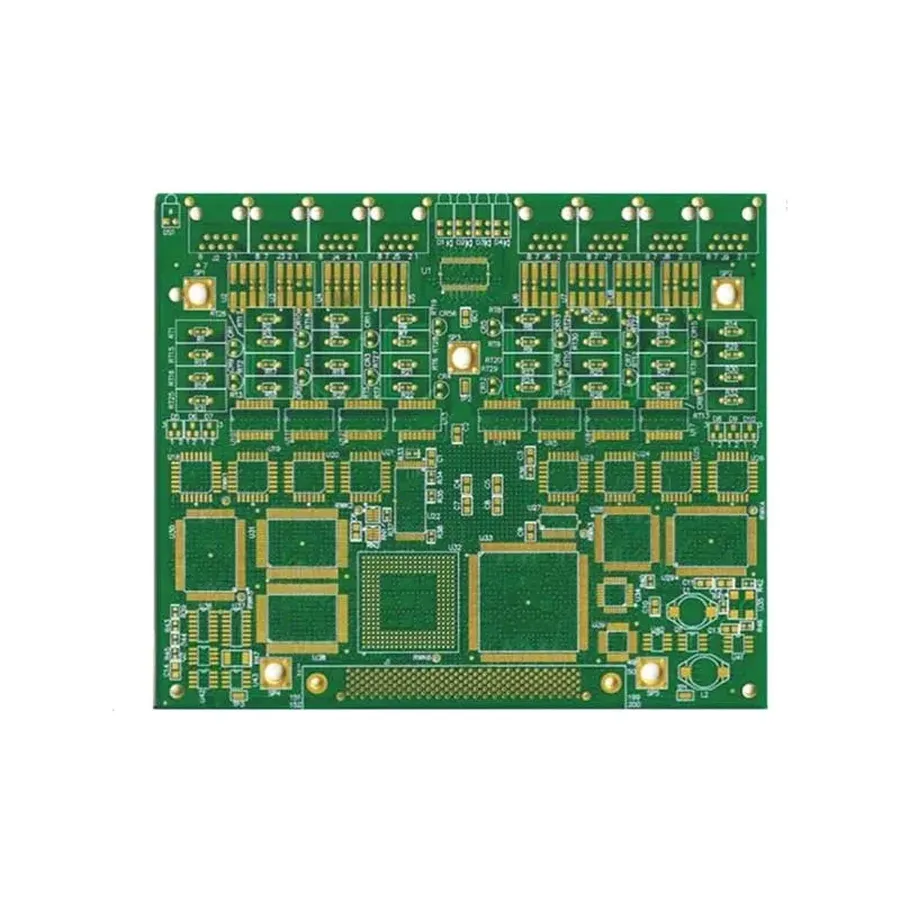
The number of layers in a PCB motherboard significantly influences its performance, impacting signal integrity, power delivery, and overall cost. A higher layer count allows for more complex routing and better separation of signal and power planes, which directly affects the motherboard's ability to handle high-speed data transfers and provide stable power to components.
| Feature | 6-Layer PCB Motherboard | 8-Layer PCB Motherboard |
|---|---|---|
| Signal Integrity | More susceptible to crosstalk and interference due to less space between signal traces. | Improved signal quality with more separation between signal and power planes. |
| Power Delivery | Can handle moderate power demands, but may experience voltage drops under high load. | Offers better power distribution and stability with dedicated power layers. |
| Heat Dissipation | May have limited heat dissipation capabilities due to fewer copper layers. | Can offer better thermal management due to increased copper content and layer count. |
| Cost | Generally less expensive to manufacture. | Higher production cost due to increased complexity and material usage. |
| Complexity | Simpler design with fewer routing options. | More complex design, allowing for more advanced features and higher data transfer rates. |
| Performance | Suitable for standard usage and mid-range applications. | Ideal for high-performance systems and demanding applications, such as gaming and professional workstations. |
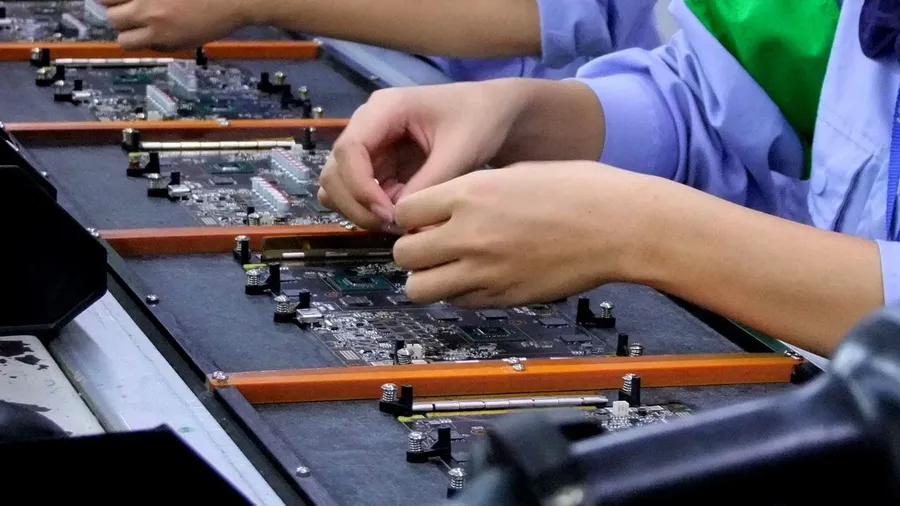
The design and construction of a motherboard is a complex, multi-stage process requiring specialized expertise and tools. It involves intricate planning, precise manufacturing, and rigorous quality control to ensure the final product meets performance and reliability standards.
The cost of a PCB motherboard is determined by a complex interplay of factors, primarily driven by the materials used and the intricacies of the manufacturing processes. Understanding these factors is crucial for both manufacturers and consumers seeking to balance cost and performance.
| Cost Factor | Description | Impact on Cost |
|---|---|---|
| Base Material | The type of substrate material used (e.g., FR-4, metal core). | Higher-performance materials (e.g., those with better thermal conductivity) increase costs. |
| Layer Count | The number of conductive layers in the PCB (e.g., 4, 6, 8, or more layers). | More layers necessitate more complex fabrication processes and increased material consumption, leading to higher costs. |
| Copper Weight | The thickness of the copper traces used for circuits and connections. | Heavier copper (thicker traces) increases material cost and requires precision during manufacturing. |
| Surface Finish | The type of finish applied to the PCB (e.g., ENIG, HASL, OSP). | Advanced finishes, such as ENIG (Electroless Nickel Immersion Gold), provide better solderability and corrosion resistance but are more costly than HASL (Hot Air Solder Leveling). |
| Drilling & Via | The number and size of drilled holes and vias for component mounting and layer interconnections. | Micro vias and high-density drilling increase complexity and cost. |
| Manufacturing Processes | The complexity of manufacturing processes involved (e.g., fine line etching, laser direct imaging). | Advanced techniques for higher density routing increase costs. High precision automated equipment can lower overall manufacturing costs but are often expensive to maintain. |
| Testing and Quality Control | The level of testing and quality control measures applied during and after manufacturing. | Rigorous testing requirements (e.g., impedance testing, functional testing) raise production costs but ensure higher reliability. |
| Volume of Production | The number of PCB motherboards being manufactured. | Large volume orders often have significantly reduced costs due to economies of scale. |
| Geographic Location of Manufacturing | Costs vary based on labor rates, overhead costs, and regulations in the chosen location. | Manufacturing costs tend to be lower in countries with lower labor expenses. |
In summary, PCB motherboard costs are not only determined by the raw materials but also by the complexity of the design and manufacturing processes. Each factor plays a significant role in the final price, emphasizing the need for careful optimization by manufacturers to meet different market segments. Understanding these factors allows consumers to make informed decisions based on their performance and budget requirements.
This section addresses common questions and concerns regarding PCB motherboards, offering clear and concise answers to help users better understand these essential components of computer systems.
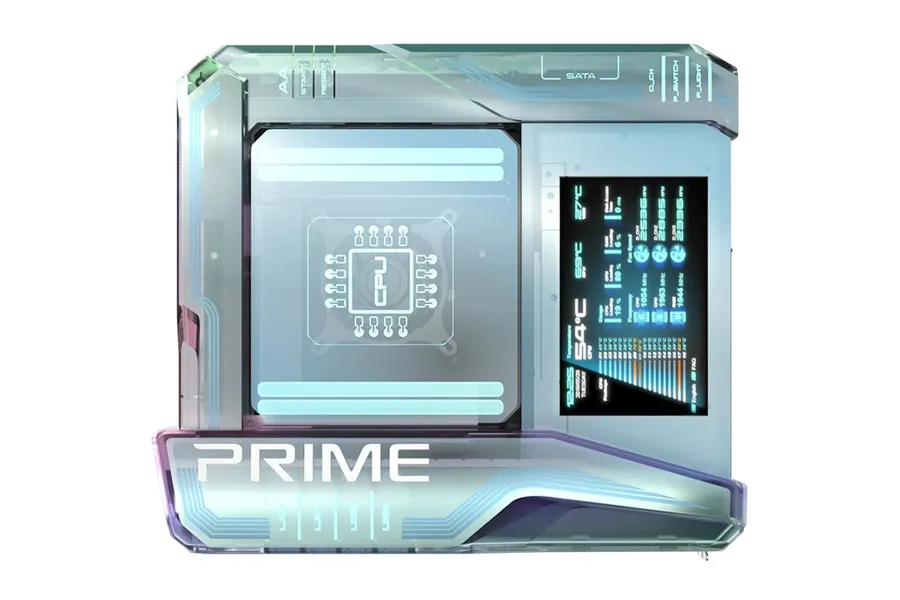
The trajectory of PCB motherboard technology points towards significant advancements in materials, connectivity, and power efficiency, driven by the ever-increasing demands of modern computing. These trends aim to enhance performance, reduce power consumption, and enable new functionalities.
The PCB motherboard is the central pillar of any computer, orchestrating the communication and functionality of all other components. Understanding its intricacies, from its design and components to its differences from a regular PCB, is vital for anyone seeking to build, upgrade, or simply understand their computing device. The future of PCB motherboards promises further innovations, making this critical component an area of continuous development and improvement.

