In the field of electronic design, PCB design is an important bridge between creativity and reality, and TinyCAD, as a free PCB design software, has become the tool of choice for electronic enthusiasts and
professionals with its powerful features and ease of use.
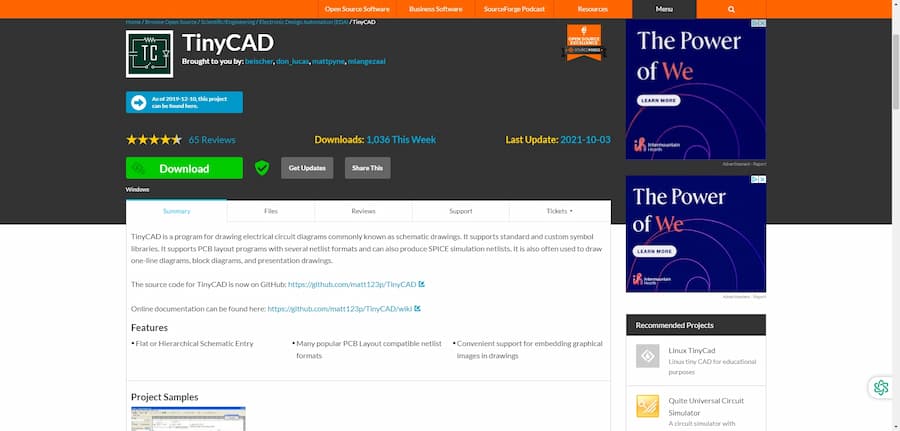
TinyCAD Introduction
- Software Name: TinyCAD
- Software website:
https: //www.tinycad.net/
- Cost: Totally free
- Time on market: more than 20 years
- Company:Founded by Matt Pyne, now an open source project
- Development history:Since its release, TinyCAD has been constantly updated and improved through the contributions of several developers.
- Software Status: TinyCAD is now an active open source project with an active community and continuous updates.
TinyCAD Core Features
TinyCAD is a freeware program developed for PCB design that provides a complete set of tools for circuit design and symbol library management. Here are some of the core features of TinyCAD:
-
Intuitive User Interface: TinyCAD has a clear and intuitive user interface that makes it easy for even beginners to get started.
-
Powerful Symbol Library: Users can easily create and manage their own circuit symbol libraries, and the website also provides a large number of shared symbols for download and use.
-
Multi-Platform Support: The TinyCAD for the Web version allows users to use it on any operating system that supports modern browsers, with no installation required.
-
Advanced Printing Features: The software offers improved black and white printing, as well as image/bitmap print repair.
TinyCAD Software Tutorials and Resources
- Tutorial URL:
TinyCAD Wiki
- User Community: Users can join the community through the contact information provided on the official website to communicate and share experiences with other users.
- Software Resources: The official website of TinyCAD provides a rich symbol library for users to download, and also encourages users to upload their own symbol libraries.
TinyCAD Software Cons
Although TinyCAD is an excellent free PCB design software, it has some limitations. For example, its user interface may not be as modern as some commercial software, and it may lack some professional-level
features for advanced users. In addition, since it is open source, technical support may not be as timely and comprehensive as commercial software.
TinyCAD Frequently Asked Questions
-
Does TinyCAD support Mac OS? A: TinyCAD is primarily designed for Windows, but with the TinyCAD for the Web version, it can be used on any operating system that supports modern browsers, including Mac.
TinyCAD User Reviews
- “TinyCAD is one of the most intuitive PCB design software I've ever used, and its free version offers almost all the features I need.” -- User review from GitHub
- “As an electronics hobbyist, TinyCAD has made it easy for me to design my own boards without having to spend tons of money on commercial software.” -- User feedback from forums
- “While TinyCAD is very comprehensive, I would like more advanced features such as 3D views and more complex circuit simulations.” -- User suggestion from social media
Who TinyCAD is for
TinyCAD is suitable for a wide range of user groups, including electronics design beginners, hobbyists, educators, and professionals who need to perform simple circuit designs. Its free and open source nature makes it possible for anyone to try and use PCB design without worrying about the cost.
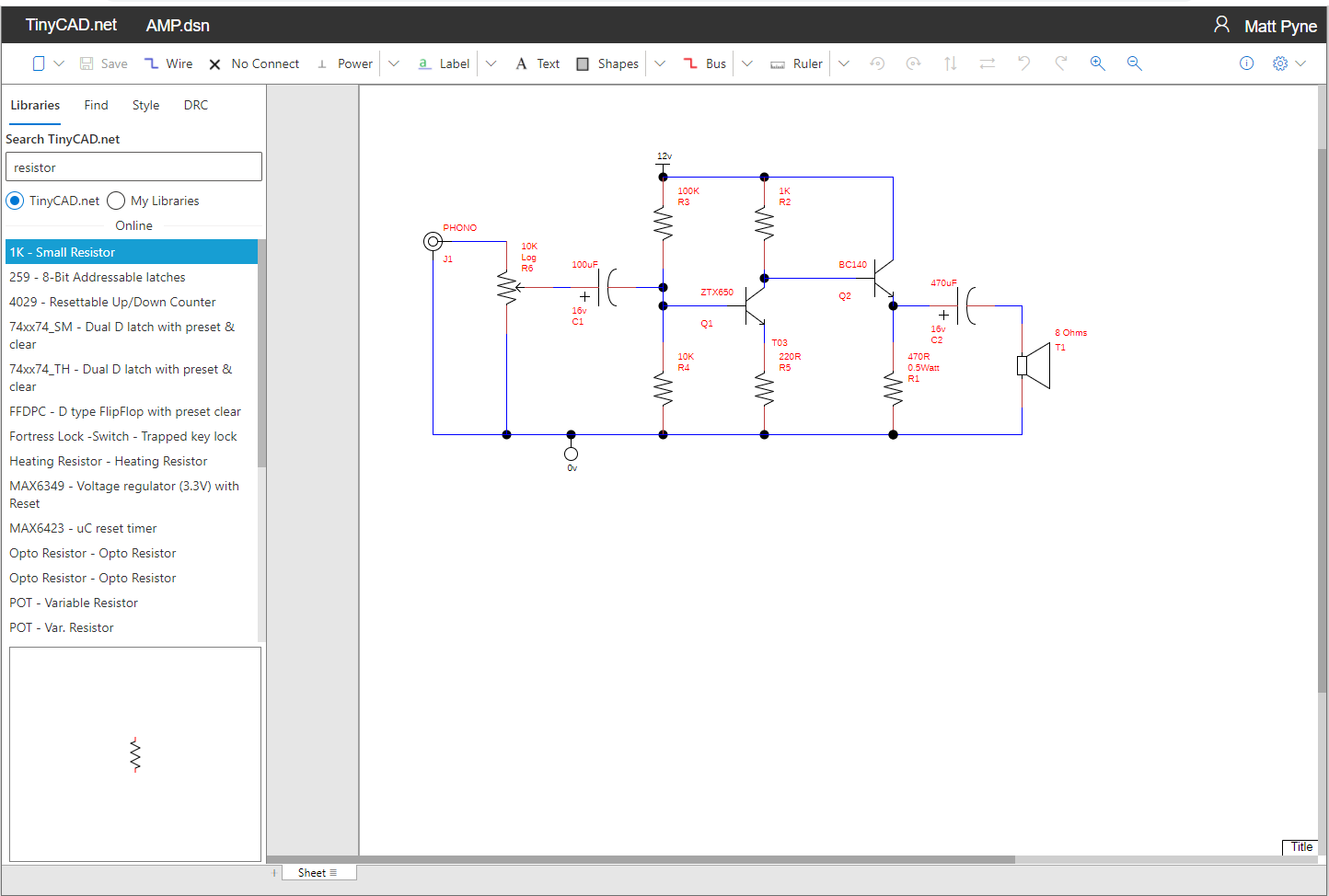
TinyCAD Software Review
-
Electronics hobbyists: whether they are beginners or experienced designers, ZenitPCB can fulfill their design needs.
- Students and Academic Staff: Students in many colleges and vocational training institutions can utilize ZenitPCB for their projects, helping them to understand the fundamentals of PCB design.
- Small Businesses and Entrepreneurs: For entrepreneurs who need rapid prototyping, ZenitPCB provides an affordable solution to help them realize their ideas without the high cost of software.

