In the world of gaming and high-performance computing, the GPU (Graphics Processing Unit) is a powerhouse. But behind every powerful GPU is a critical, yet often overlooked component: the PCB (Printed Circuit Board). Much like the nervous system of a human body, the PCB acts as the foundation, the 'brain circuit' of your graphic cards. This article will explore everything you need to know about PCBs in GPUs, from their components and purpose to their impact on performance and longevity, shedding light on a critical aspect of modern graphics technology.
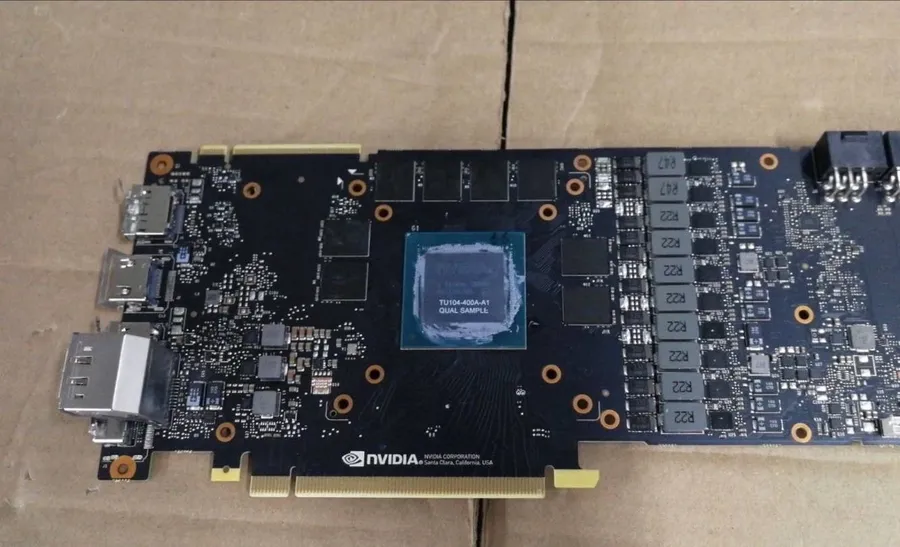
A Printed Circuit Board (PCB) in a GPU serves as the foundational platform for all its components. It is the laminate structure onto which the Graphics Processing Unit (GPU) die, memory modules, voltage regulation modules (VRMs), and various other electrical components are soldered. The PCB's primary functions are to provide both the structural support and the intricate electrical pathways necessary for these components to communicate and function cohesively, ensuring the GPU performs its graphical processing tasks.
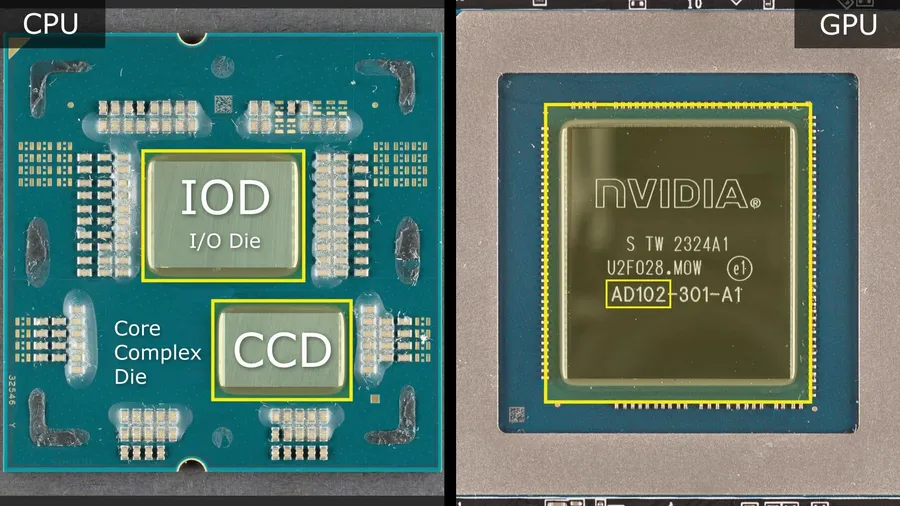
A GPU Printed Circuit Board (PCB) is a complex assembly hosting various critical components. These components work synergistically to enable the processing power of the graphics card. Understanding these components and their functions is crucial for comprehending how a GPU operates and identifying potential points of failure.
| Component | Function | Impact |
|---|---|---|
| GPU Chip | The central processing unit of the graphics card. It performs the complex calculations needed to render images and video. | The core determinant of graphics performance. Its architecture and clock speed dictate a card's capabilities. |
| VRMs (Voltage Regulator Modules) | Regulate and deliver stable power to the GPU core and memory. Convert the power from the PSU to the necessary levels for the GPU. | Crucial for stable operation, especially during high loads or overclocking. Poor VRMs can lead to instability, overheating, and reduced lifespan. |
| Memory Modules (VRAM) | Stores textures, frame buffers, and other temporary data. Provides fast access to data for the GPU. | Determines the amount of data the GPU can work with. Faster and higher-capacity memory leads to better performance. |
| Capacitors | Store electrical charge and help to smooth out the power delivery from the VRMs, reducing voltage fluctuations and electrical noise. | Enhance the power stability and reliability of the GPU. Can influence overclocking headroom and reduce chances of transient issues. |
| Inductors (Chokes) | Store energy in a magnetic field to filter out electrical noise and aid in power delivery stabilization from the VRMs. | Crucial for stable and efficient power delivery. High quality chokes reduce heat and noise. |
| PCB Traces | Copper pathways that conduct electrical signals between different components on the board. Design can influence signal integrity and thermal performance. | The quality of the traces (thickness, material, and layout) impacts power delivery and signal quality. Can affect signal latency, noise and overall GPU performance. |
| BIOS Chip | Contains the firmware for the graphics card. Provides basic instruction for bootup and power management. | Provides essential boot up parameters. Custom BIOSes can be used for different overclocks. |
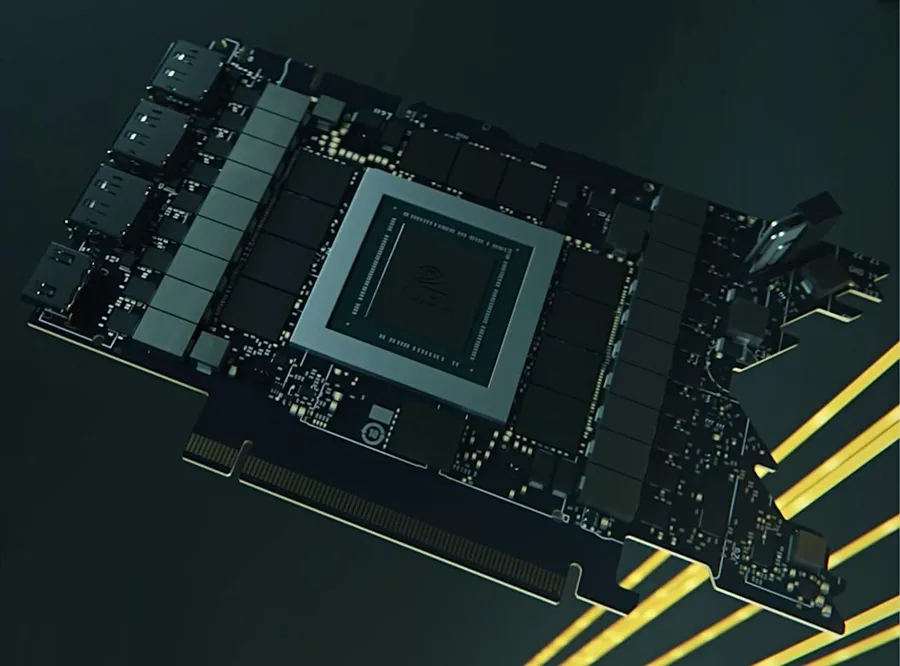
The landscape of graphics card PCBs is largely divided into two categories: reference and non-reference designs. Understanding the distinction between these designs is crucial for comprehending the variations in performance, cooling, and overall capabilities of different graphics cards.
| Feature | Reference PCB | Non-Reference PCB |
|---|---|---|
| Design Origin | Designed by the GPU manufacturer (e.g., NVIDIA, AMD) | Custom-designed by AIB (Add-in-Board) partners (e.g., ASUS, MSI, Gigabyte) |
| Component Placement | Standardized layout and component selection | Varied layout and often includes premium components |
| Power Delivery | Typically features a basic VRM (Voltage Regulator Module) design | Often incorporates enhanced VRM designs for better power delivery |
| Cooling Solution | Usually comes with a stock cooler designed for adequate performance | May feature advanced cooling systems, such as larger heatsinks and additional fans |
| Clock Speeds | Operates at the manufacturer's base or boost clock speeds | May come factory-overclocked or provide greater overclocking headroom |
| Availability | Available from multiple vendors | Exclusive to the specific AIB partner brand |
| Pricing | Generally priced at the MSRP (Manufacturer's Suggested Retail Price) | Often sold at higher prices due to premium features |
In essence, reference PCBs serve as a baseline, while non-reference designs allow AIB partners to innovate and differentiate their products through improved power delivery, cooling efficiency, and performance capabilities. The choice between a reference or non-reference card often depends on individual preferences regarding performance, aesthetics, and budget considerations. Non-reference cards, while generally pricier, frequently offer superior performance and cooling, appealing to users seeking enhanced capabilities.
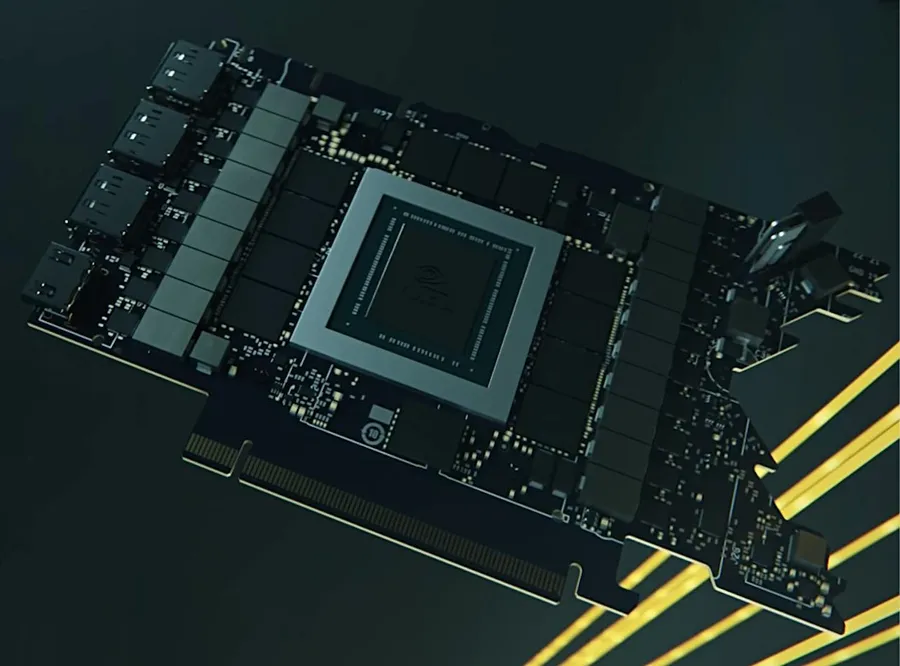
The printed circuit board (PCB) design is a critical factor influencing a GPU's performance, stability, and longevity. The layout, quality, and materials used in a PCB directly impact signal integrity, power delivery efficiency, and thermal management capabilities.
A well-engineered PCB is fundamental for optimal GPU operation, enabling higher clock speeds, better overclocking potential, and improved overall system stability.
| PCB Design Aspect | Impact on GPU Performance | Explanation |
|---|---|---|
| Trace Quality and Layout | Signal Integrity and Data Transfer Rates | High-quality traces with optimized routing reduce signal loss and interference, ensuring data reaches components with minimal degradation. This is critical for memory and PCIe communication. |
| Power Delivery System (VRMs) | Stability Under Load and Overclocking Potential | Robust VRMs with quality components provide clean and consistent power to the GPU core and memory, enabling higher clock speeds and stable operation, particularly under heavy load or during overclocking. |
| Cooling Solutions (Heat Sinks, Pads) | Thermal Management and Component Lifespan | Effective cooling solutions dissipate heat away from the GPU and other critical components. Insufficient cooling leads to thermal throttling, reduced performance and may shorten lifespan of the GPU. |
| Layer Count and Thickness | Signal Integrity, Thermal Dissipation, and Structural Rigidity | Higher layer counts and specific thicknesses can improve electrical performance, heat dissipation, and overall board strength. This leads to better performance stability and durability. |
| Ground Plane Design | Electromagnetic Interference (EMI) and Signal Integrity | A well-designed ground plane minimizes EMI and provides a stable reference for signals, improving signal quality and reducing the likelihood of errors and instability |
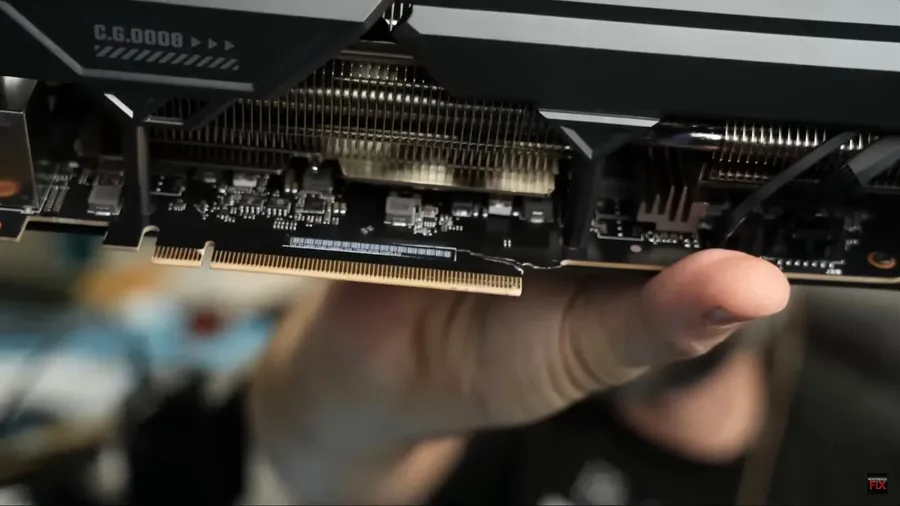
Identifying common issues with a GPU's Printed Circuit Board (PCB) is crucial for maintaining optimal performance and preventing hardware failure. These issues often manifest physically and can indicate underlying problems that, if left unchecked, may lead to significant damage. Understanding the symptoms can help in timely intervention.
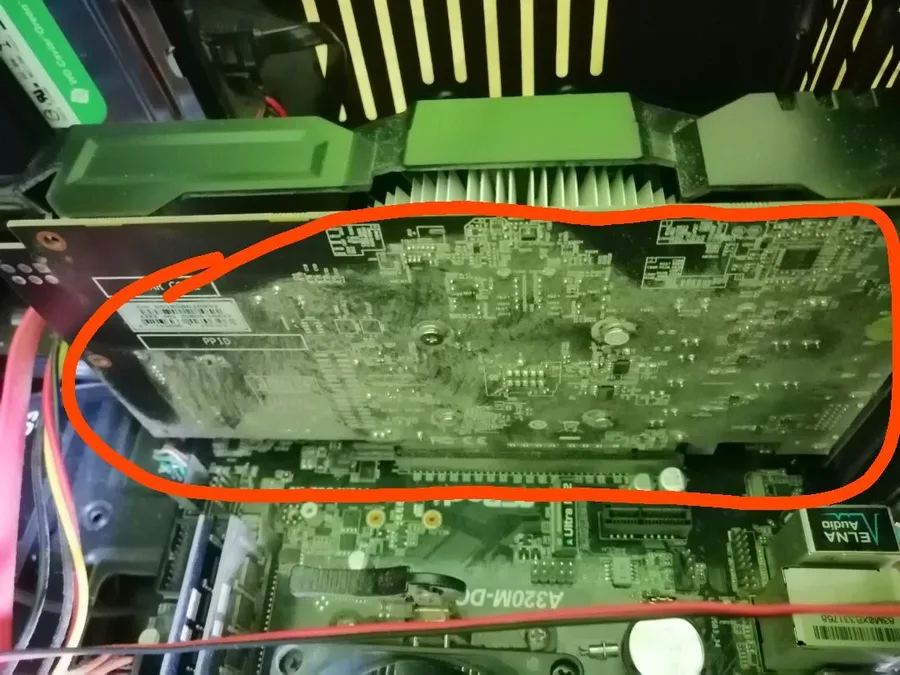
Maintaining a clean GPU PCB is crucial for optimal performance and longevity. Dust accumulation, residue buildup, and other contaminants can impede heat dissipation, potentially leading to overheating and component failure. Proper cleaning techniques, along with the right tools, can prevent damage and extend the lifespan of your graphics card.
The selection of materials for a GPU's Printed Circuit Board (PCB) is paramount to its durability and overall performance. High-quality materials, particularly those that facilitate High Density Interconnect (HDI), are essential in preventing common issues such as PCB cracking and ensuring long-term stability. The composition and properties of these materials directly affect the card's ability to withstand thermal stress and mechanical strain.
| PCB Material Property | Impact on GPU Durability | Example Material |
|---|---|---|
| Thermal Conductivity | Dissipates heat more efficiently, preventing hotspots and material degradation. | Copper |
| Coefficient of Thermal Expansion (CTE) | Minimizes stress from thermal cycling, reducing the risk of trace fractures. | Specific Resin Blends |
| Flexural Strength | Provides mechanical robustness, preventing bending and cracking under pressure. | Fiberglass Reinforced Epoxy |
| Dielectric Strength | Ensures electrical insulation, preventing short circuits and signal interference. | FR-4 Laminate |
| HDI (High Density Interconnect) | Enables finer trace patterns, increasing component density and signal integrity while reducing layer counts and overall thickness. | Advanced Resin Systems |
The use of HDI in GPU PCBs is particularly noteworthy. HDI allows for more complex designs with finer trace widths and spacing, which are vital for high-speed signal transmission between the GPU chip, memory, and other components. The benefits of HDI include reduced signal latency and improved power delivery.
In summary, the materials used in GPU PCB fabrication are not merely structural; they are active components that contribute to the performance, durability, and overall lifespan of the graphics card. High-quality materials directly correlate with a GPU's ability to operate under demanding conditions while reducing the risk of premature failure.
This section addresses common inquiries regarding GPU Printed Circuit Boards (PCBs), aiming to clarify their role, construction, and significance within graphics cards and computer systems.
The PCB within a GPU, often unseen, is a vital component. From providing power to supporting high-speed data transfer, its design and materials play a significant role in the performance and longevity of your graphics card. Understanding the PCB not only helps in better maintenance but also enables an informed decision when choosing a graphics card. The PCB is the unsung hero behind every frame rendered and every pixel pushed by your GPU, acting as the critical bridge between silicon and visual output. As PCB technology evolves, so too will the capabilities of our GPUs.

