In the fast-paced world of electronics, selecting the right PCB design software is critical. Altium Designer stands out as a powerful tool for engineers and designers alike. This guide will help you navigate the complexities of Altium Designer buy options, ensuring you make an informed decision that aligns with your needs and budget. Whether you're a seasoned pro or just starting out, understanding the licensing, pricing, and different subscription levels is crucial. We'll break down everything from perpetual licenses to term-based subscriptions, and how to buy Altium Designer to empower your next electronic project.
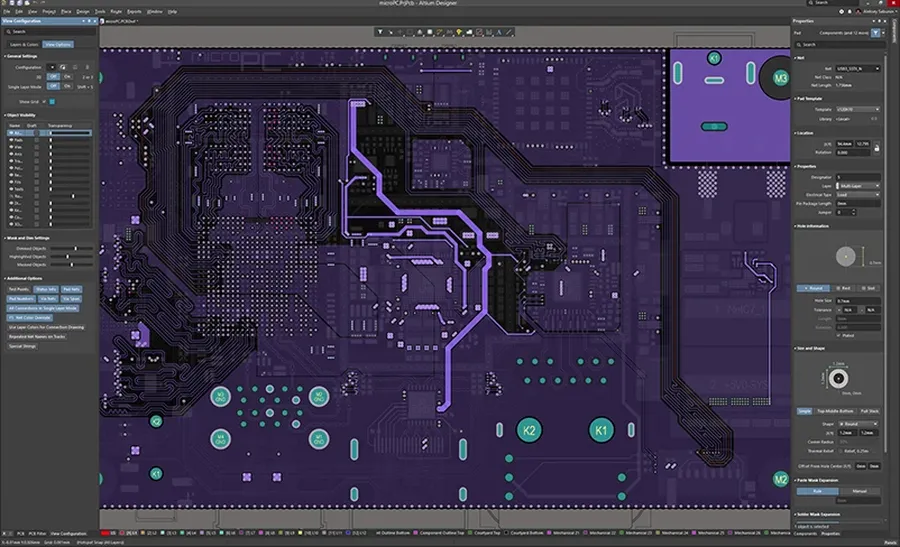
Altium Designer offers two primary licensing models: Perpetual and Term-Based. Choosing between these models is a critical first step when planning to buy Altium Designer, as it significantly impacts cost and access to software updates. Perpetual licenses represent a one-time purchase of the software, while term-based licenses provide access for a specific duration, like a subscription.
| Feature | Perpetual License | Term-Based License |
|---|---|---|
| Initial Cost | Higher one-time cost | Lower initial cost |
| Software Access | Permanent license to specific version | Access for subscription term |
| Updates and Upgrades | Requires separate purchase for upgrades | Typically includes updates and upgrades |
| Long-term Cost | Potentially lower over the very long term if no upgrades are needed | Recurring cost over time |
| Flexibility | Less flexible, tied to one version | More flexible, easy to scale and cancel |
| Best for | Users with long-term projects and stable needs | Users with fluctuating project loads or short-term needs |
When deciding to buy Altium Designer, you should evaluate your long-term project needs and the frequency of required updates. Perpetual licenses may be more suitable for those who need long-term stability and are comfortable with less frequent software updates. In contrast, Term-Based licenses are advantageous for those needing flexibility and the latest features.
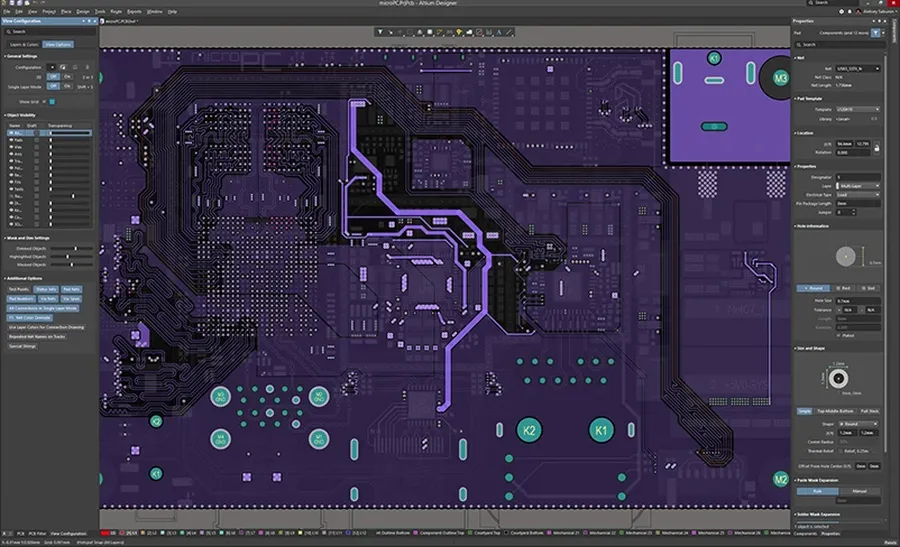
Altium Designer offers two primary subscription levels: Standard and Pro, each tailored to different design complexities and user needs. The selection between these levels significantly impacts the available features and, consequently, the overall design workflow. Understanding the nuances of each is crucial before making a purchase decision.
| Feature | Altium Designer Standard | Altium Designer Pro |
|---|---|---|
| Core PCB Design | Full Functionality | Full Functionality |
| Schematic Capture | Full Functionality | Full Functionality |
| Interactive Routing | Full Functionality | Full Functionality |
| 3D Visualization | Full Functionality | Full Functionality |
| Advanced Simulation | Basic | Advanced (Mixed-Signal, Signal Integrity) |
| High-Speed Design Features | Limited | Comprehensive (Differential Pair Routing, Impedance Control) |
| Rigid-Flex Design | Basic | Full Functionality |
| Advanced Layer Stack Management | Limited | Full Functionality |
| Collaboration Tools | Basic (Version Control) | Advanced (Altium 365 Integration, Managed Projects) |
| Manufacturing Data Output | Full Functionality | Full Functionality |
| Component Library Management | Standard | Advanced (Vault Technology) |
| Technical Support | Standard | Priority Support |
Choosing between Standard and Pro depends largely on the complexity of your designs. Standard is adequate for most general PCB design tasks, while Pro is essential for projects involving high-speed, mixed-signal, and rigid-flex design, along with advanced collaboration needs. The enhanced simulation capabilities of the Pro subscription are invaluable for engineers requiring precise analysis.
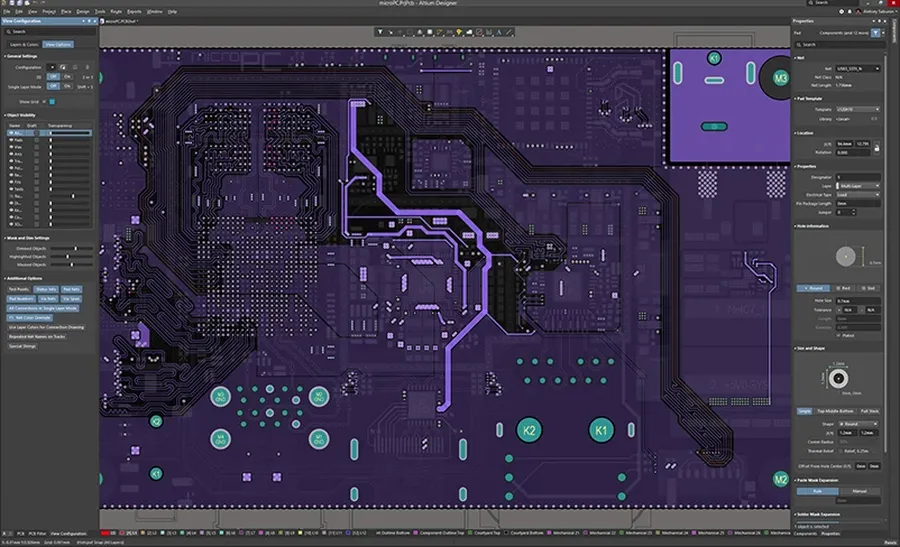
Understanding the pricing structure of Altium Designer is crucial for effective budgeting and avoiding unforeseen costs. Altium offers both perpetual and term-based licensing options, each with different financial implications. This section breaks down these costs, helping you make an informed decision that aligns with your project requirements and financial constraints.
| Licensing Model | Initial Cost | Long-Term Cost | Typical Use Case | Advantages | Disadvantages |
|---|---|---|---|---|---|
| Perpetual License | Higher upfront cost | Lower long term cost if maintained | Users needing long term access | One-time purchase for indefinite use, predictable long-term cost (if maintenance is not required) | Higher upfront investment, optional maintenance costs for updates and support, potentially becomes outdated if maintenance is not paid. |
| Term-Based License (Subscription) | Lower upfront cost | Higher long term cost if renewed | Short term projects or user with a budget | Lower initial investment, access to the latest software versions, and support | Recurring costs, software access ceases if subscription lapses, ongoing expenses |
It's important to note that the exact pricing can vary depending on your location, specific needs and the type of license you're purchasing, you will need to contact Altium or an authorized reseller for precise pricing.
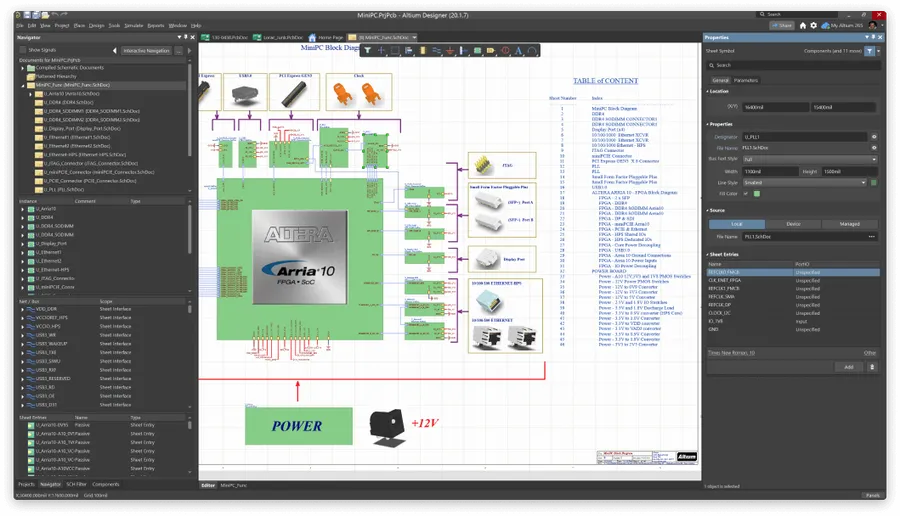
Purchasing Altium Designer online is a straightforward process, designed to provide users with efficient access to the software. This section outlines the step-by-step procedure, guiding you through account creation, license acquisition, and subscription management.
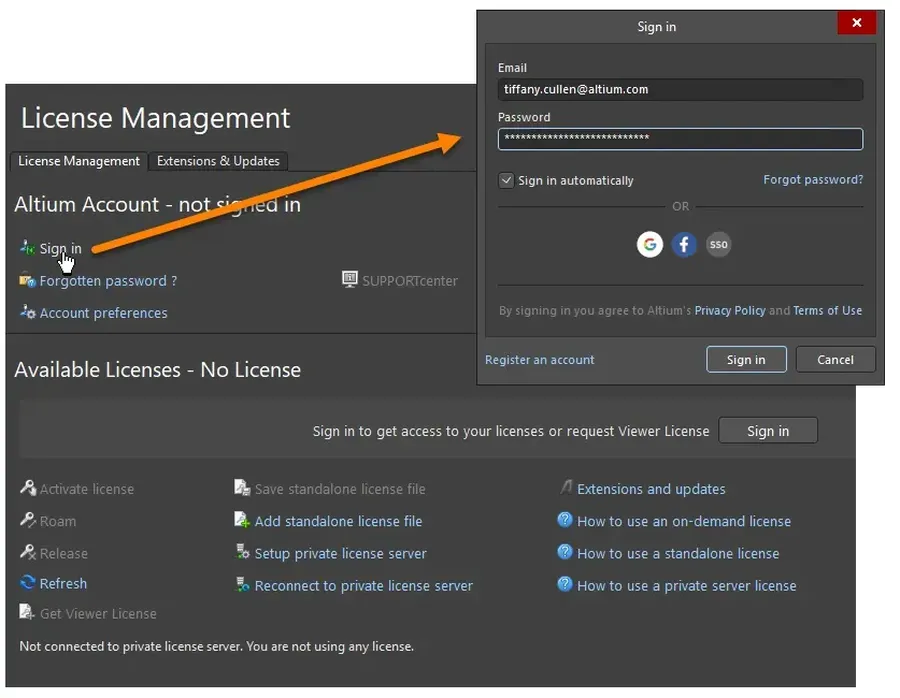
For independent designers and smaller teams, Altium Designer offers individual licenses as a cost-effective alternative to full commercial licenses. These licenses provide access to the core Altium Designer functionalities, tailored for individuals or small-scale projects. This licensing model significantly reduces the initial investment, making Altium Designer accessible to a wider range of users.
| Feature | Individual License | Commercial License |
|---|---|---|
| Target User | Solo designers, small teams | Large enterprises, larger teams |
| Initial Investment | Lower | Higher |
| Access to Core Functionalities | Full | Full |
| Scalability | Limited | High |
| Collaboration Features | Basic | Advanced |
Individual licenses are not simply scaled-down versions of the commercial offerings; they are designed to meet the specific needs of independent professionals and small groups. The cost savings are often substantial, particularly if advanced collaboration or enterprise-level features are not essential for your typical projects.
Before opting for an individual license, it's crucial to assess your design needs and project requirements. Consider the complexity of your designs, your collaboration needs, and the potential for future growth. While an individual license provides a cost-effective entry point, it may not offer the same scalability or advanced collaboration features as commercial licenses, which are more suitable for larger teams or high volume output and complex project needs.
Altium 365 is a cloud-based platform tightly integrated with Altium Designer, offering enhanced collaboration and data management capabilities. Understanding its integration and associated costs is crucial for maximizing the value of your Altium Designer investment, particularly before making a purchase decision.
Altium 365 operates as a subscription-based service, typically offered as part of a bundled package with Altium Designer or as an add-on. It is important to note that the specific features and limitations will be dependent on the tier of Altium Designer subscription that you hold, and the number of users you require for collaboration.
| Feature | Description | Impact on Workflow |
|---|---|---|
| Cloud-Based Collaboration | Enables real-time collaboration among designers, engineers, and stakeholders. Access projects from anywhere. | Significantly improves design team communication and accelerates project timelines. |
| Data Management | Provides secure central storage for design data, including components, libraries, and project files. | Reduces risks of data loss and ensures all users work on the latest version of the designs. |
| Version Control | Tracks changes and revisions within a project, facilitating easy rollbacks and comparing of revisions. | Maintains a detailed history of project modifications, enabling better traceability and project management. |
| Component Management | Offers a comprehensive library management system with access to real-time component information. | Enhances component selection and reduces errors associated with incorrect or obsolete component use. |
| Accessibility | Enables project access from any device with an internet connection. This increases flexibility and productivity. | Users can work on or check project progress remotely, which facilitates collaborative workflows and project monitoring. |
The pricing for Altium 365 is typically integrated with your Altium Designer subscription, and there may be additional costs for users if the platform is used by a large team. Therefore, it is important to consider the long term costs of utilizing Altium 365 in addition to the Altium Designer license cost.
Before making a purchase, assess your project needs to determine if the capabilities of Altium 365 align with your workflow. Consider the collaborative and data management benefits of the cloud service to optimize your design process and project outcomes.
Purchasing complex software like Altium Designer often raises numerous questions. This section addresses common queries regarding cost, licensing, and value, providing clarity to prospective buyers.
Choosing the right PCB design software is crucial for the success of any electronic project. While Altium Designer is a powerful and comprehensive solution, it's important to consider its alternatives and evaluate which best suits your design needs, budget, and workflow. This section provides a comparison of Altium Designer with other popular options, focusing on features, pricing, and user feedback to help you make an informed decision.
| Feature | Altium Designer | KiCad | Eagle | OrCAD |
|---|---|---|---|---|
| Licensing Model | Subscription or Perpetual | Open Source | Subscription | Subscription |
| Pricing | High | Free | Medium | High |
| Ease of Use | Moderate to High | Moderate | Moderate | Moderate to High |
| Community Support | Excellent | Good | Good | Good |
| 3D Design Capabilities | Strong | Basic | Moderate | Moderate |
| Simulation Tools | Advanced | Basic | Basic | Advanced |
| Collaboration Features | Excellent with Altium 365 | Limited | Moderate | Good |
| PCB Complexity Handling | Very High | Moderate | Moderate | Very High |
KiCad is a free, open-source EDA suite, making it a popular choice for hobbyists and small businesses with budget constraints. While it might not offer the same level of sophistication or advanced features as Altium, it provides a solid foundation for PCB design. Autodesk's Eagle is another widely-used option, offering a balance between functionality and cost, though some users find its licensing and subscription model limiting. OrCAD, from Cadence, is a high-end tool aimed at large enterprises with demanding needs, often matching Altium in capability and complexity.
When selecting a PCB design software, factors beyond just price or features should be considered. The scope and complexity of your projects, your familiarity with the tools, as well as your design team's collaboration needs play significant roles. Altium Designer often proves to be the best choice for complex projects needing advanced functionalities, while KiCad is an attractive choice for educational purposes or smaller projects with a tighter budget. Eagle sits in between, providing more than KiCad, and less than Altium, with OrCAD being at the top end, for complex design systems.
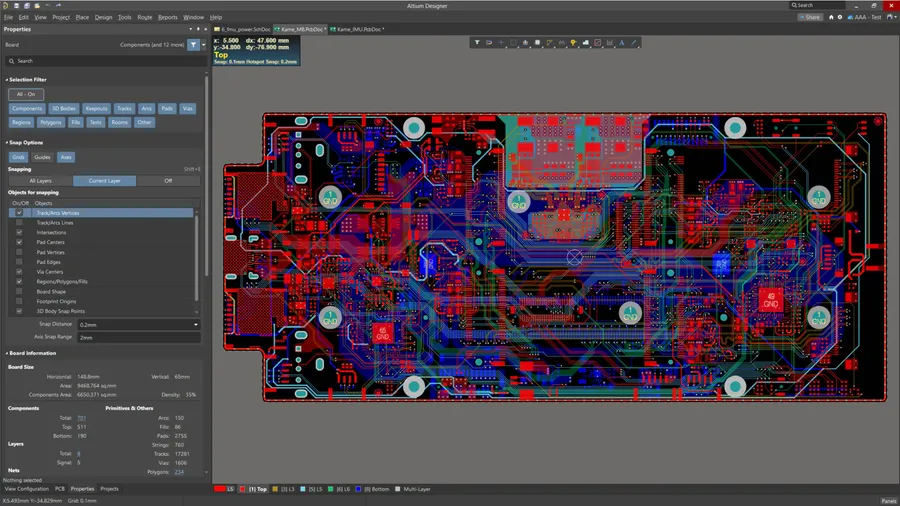
To fully capitalize on your Altium Designer investment, it's crucial to go beyond simply purchasing the software. This section provides actionable strategies, focusing on continuous learning and leveraging available resources, to ensure you extract maximum value from your investment, transforming it into a powerful asset for your design workflow.
Navigating the Altium Designer buy landscape can seem complex, but with the right information, you can make an informed decision. By understanding licensing models, subscription levels, and pricing, you are well-equipped to choose the best Altium Designer solution for your PCB design endeavors. Investing in Altium Designer is not just a purchase; it’s an investment in advanced technology that enhances your design capabilities and accelerates your product development process. Remember to always evaluate your needs thoroughly before making a final decision on which option to buy Altium Designer.

