In today's fast-evolving electronics industry, choosing the right PCB design software is crucial. PADS, a popular choice, offers various options, and understanding the PADS PCB price is essential for budgeting. This article will dissect the various pricing models for PADS, from subscription to perpetual licenses, helping you determine the best fit for your requirements. We'll delve into the nuances of PADS Professional pricing, its cloud-based offerings, and how it stacks up against competitors, ensuring you make an informed decision.
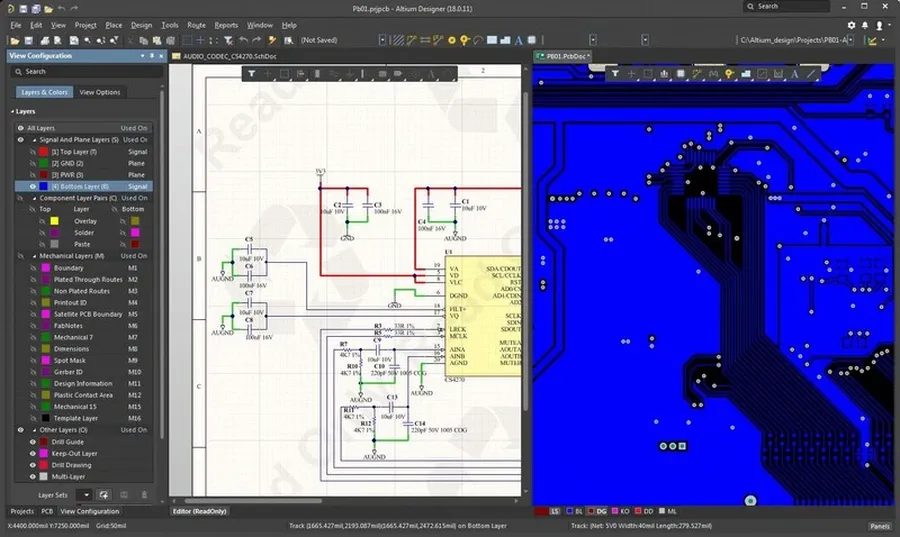
PADS Professional, a comprehensive PCB design software suite, offers varying editions tailored to different engineering needs, each with its own price point. Understanding these editions is crucial for making informed purchasing decisions. Pricing is influenced by factors such as the inclusion of advanced analysis capabilities and collaborative design tools. While exact figures are not publicly available due to customized pricing models, this section will break down the general cost structure and outline possibilities for accessing free trial versions.
It is important to contact Siemens directly or their authorized resellers for precise price quotations, as software pricing is often tailored to specific needs and configurations. Further, understanding different licensing options, such as subscription vs perpetual, will play a key role in determining the total cost.
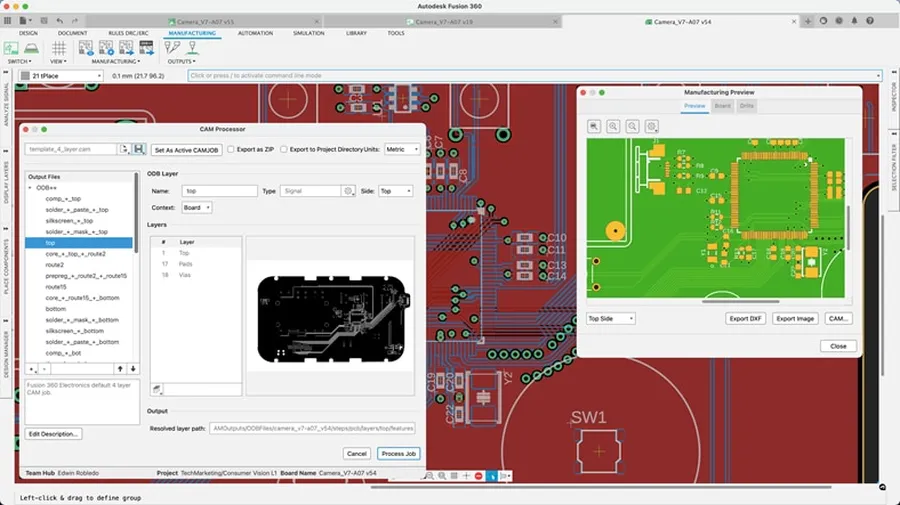
The pricing disparity between PADS Professional and PADS Standard primarily stems from the advanced capabilities and expanded feature set offered by the Professional edition. While PADS Standard provides a robust foundation for PCB design, PADS Professional is tailored for more complex projects requiring advanced simulation, analysis, and collaboration tools, which justifies the higher cost.
| Feature | PADS Standard | PADS Professional |
|---|---|---|
| Basic PCB Design | Yes | Yes |
| Advanced Simulation | Limited | Comprehensive |
| Signal Integrity Analysis | Limited | Advanced |
| Collaboration Tools | Basic | Enhanced |
| High-Speed Design Capabilities | Limited | Extensive |
| Advanced Routing | Basic | Advanced |
| Manufacturing Outputs | Standard | Advanced |
| Library Management | Standard | Enhanced |
| Price | Lower | Higher |
The price difference is not merely an arbitrary mark-up; it directly reflects the cost of developing and maintaining the advanced features available only in the Professional version. These include, but are not limited to, more sophisticated simulation models, enhanced signal integrity analysis capabilities, and better collaboration features designed for larger teams working on more intricate projects. For users with basic design needs, PADS Standard can provide an affordable solution, while PADS Professional is a long-term investment for advanced functionality and complex design needs.
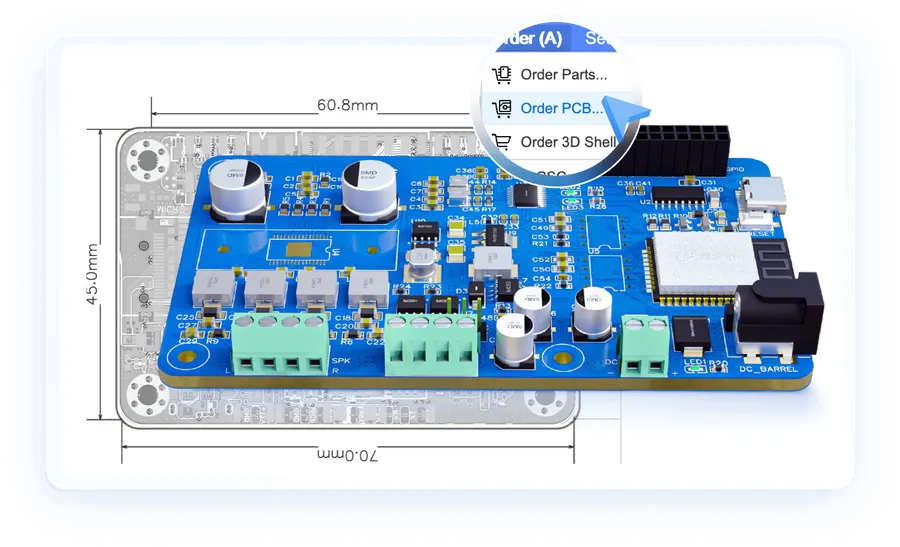
The PADS Cloud App Suite offers a modern, subscription-based approach to PCB design, providing access to essential tools like Connect, PartQuest Portal, and Supply Chain management. This suite operates under a monthly subscription model, offering flexibility and scalability for design teams.
Unlike perpetual licenses, the Cloud App Suite is available exclusively on a subscription basis. This model allows users to access the latest features and updates without significant upfront investment, thus aligning costs with ongoing project needs.
| Cloud App | Description | Pricing Model |
|---|---|---|
| PADS Connect | Facilitates team collaboration and data exchange | Bundled in Cloud App Suite Subscription |
| PartQuest Portal | Provides access to a vast electronic component library | Bundled in Cloud App Suite Subscription |
| Supply Chain | Offers supply chain management and real-time component data | Bundled in Cloud App Suite Subscription |
The choice between a subscription-based license and a perpetual license for PADS PCB software significantly impacts long-term costs. Understanding the nuances of each model is crucial for effective budget management and strategic software procurement. This section provides a detailed analysis of the financial implications associated with each licensing option.
| Feature | Subscription License | Perpetual License |
|---|---|---|
| Initial Cost | Lower upfront cost, often paid monthly or annually. | Higher upfront cost representing a one-time payment. |
| Long-term Cost | Potentially higher over extended periods due to recurring payments. | Potentially lower over extended periods after the initial purchase. |
| Software Updates | Typically includes access to all updates and upgrades as part of the subscription. | May require additional purchase for upgrades or have associated maintenance fees. |
| Access to Support | Often includes technical support as part of the subscription package. | May require a separate support contract or incur fees for support services. |
| Flexibility | Offers greater flexibility, allowing organizations to scale their licenses up or down according to demand. | Less flexible; licenses are typically fixed after the initial purchase, which may pose difficulties if demands change. |
| Ownership | No ownership of the software; usage is dependent on continued payment. | Grants ownership of the software; usage is perpetual after the initial purchase. |
| Budgeting | Moves software expenditure from a capital expense (CapEx) to an operating expense (OpEx), impacting budgeting strategies. | Capital expense; has a fixed impact on initial investment. |
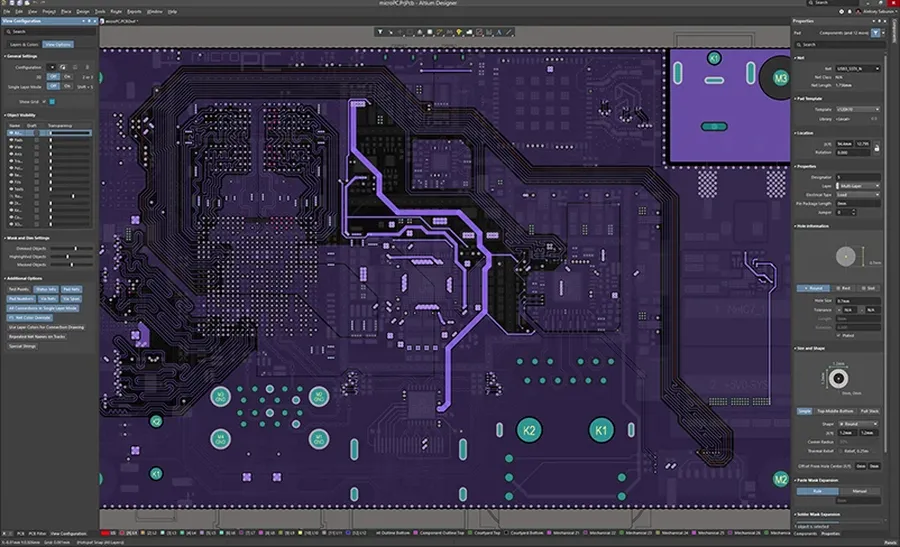
Comparing the pricing of PADS PCB software with Altium Designer requires a detailed analysis, as both offer varied licensing models and feature sets that impact overall cost. A direct price comparison isn't always straightforward due to different configurations and user needs.
| Feature/Aspect | PADS PCB | Altium Designer |
|---|---|---|
| Licensing Model | Perpetual and Subscription options available, with different feature tiers (Standard, Professional, etc.) | Primarily subscription-based with different tiers impacting included features. |
| Entry-Level Cost | Can be lower with PADS Standard, but may lack advanced features. | Generally higher due to comprehensive feature set in base subscription. |
| Advanced Features | PADS Professional includes advanced analysis, simulation and high-speed design capabilities. | Altium's base subscription includes a comprehensive suite of advanced features |
| Cloud Collaboration | PADS includes cloud services such as Connect, PartQuest Portal and Supply Chain services. | Altium 365 provides robust cloud collaboration features as part of the subscription |
| Scalability | PADS offers scalable solutions based on license configuration and number of users. | Altium can scale according to team size and complexity of the projects. |
| Cost Structure | Initial investment may be lower, but long-term costs depend on the maintenance and upgrades | Recurring subscription costs that provide a clear, predictable budget |
| Typical Price Range | Varies widely; PADS Standard begins at a lower price but PADS Professional is comparable with Altium Designer or higher | Annual subscription can be significant, but included comprehensive features. |
It's important to note that these price comparison points can change based on the specific sales agreement, negotiation, special offers, and the number of licenses procured. Potential users should always request a custom quotation based on their unique requirements to ensure the best cost efficiency for their use case. Both PADS and Altium offer solutions for a range of users and requirements, so the 'best' option depends on an individual's needs and circumstances.
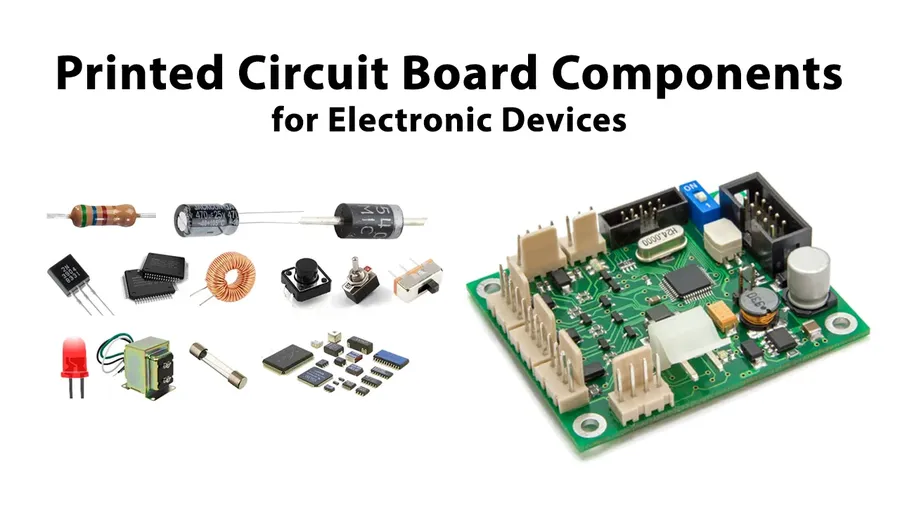
The final cost of PADS PCB software is not a fixed number but rather a dynamic value influenced by several key factors. Understanding these factors is crucial for accurate budgeting and informed decision-making when acquiring PADS.
This section addresses common inquiries regarding the pricing of PADS PCB software, providing clear and concise answers to help users understand the costs associated with this powerful design tool.
Effectively managing the budget for PADS PCB software requires a strategic approach, focusing on maximizing value while minimizing costs. This section offers practical tips to navigate the pricing landscape of PADS, ensuring you secure the necessary tools without overspending.
Understanding the PADS PCB price structure is key to optimizing your budget for PCB design software. Whether it’s the PADS Professional subscription, the cloud suite, or a perpetual license, the best choice depends on your specific project needs and resources. By carefully considering the pricing models and features offered, and how they compare with alternatives like Altium, you can confidently select the right PADS solution and ensure cost-effective PCB design for your business. Remember to factor in long-term costs and leverage trials before committing to a purchase to optimize your PADS PCB price.

